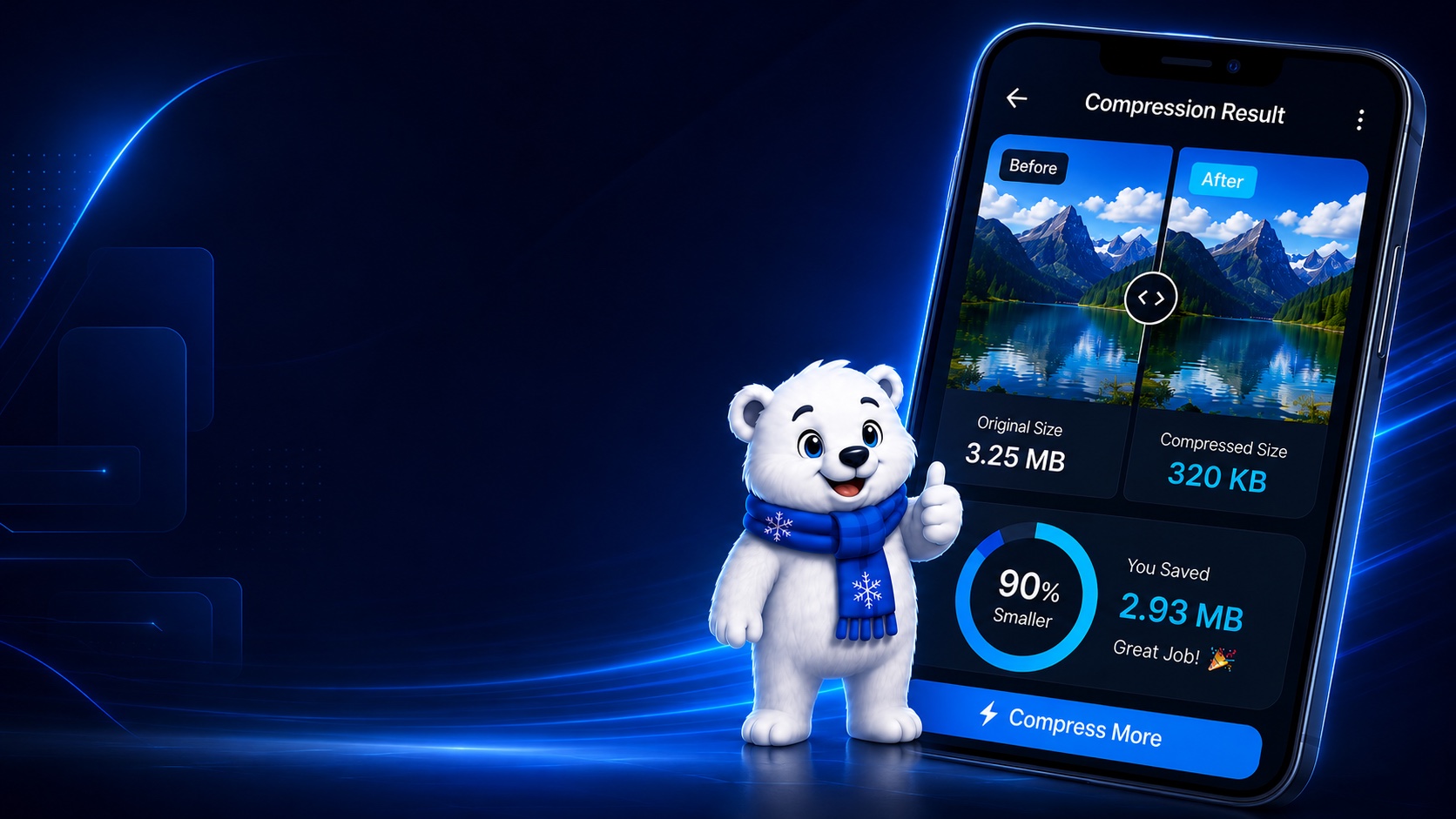
Storage fills quietly
Photos and screenshots keep growing until your phone starts asking for space.
Android image compression
Reduce image size instantly on your phone. No upload. No internet required for compression. Your photos stay with you.
The everyday storage problem
Big camera photos, chat screenshots, and shared images pile up fast. Uploading personal images to random web tools is not worth the privacy tradeoff.
Photos and screenshots keep growing until your phone starts asking for space.
Personal images should not need to leave your phone just to become smaller.
A useful compressor should work in travel, weak signal, and offline moments.
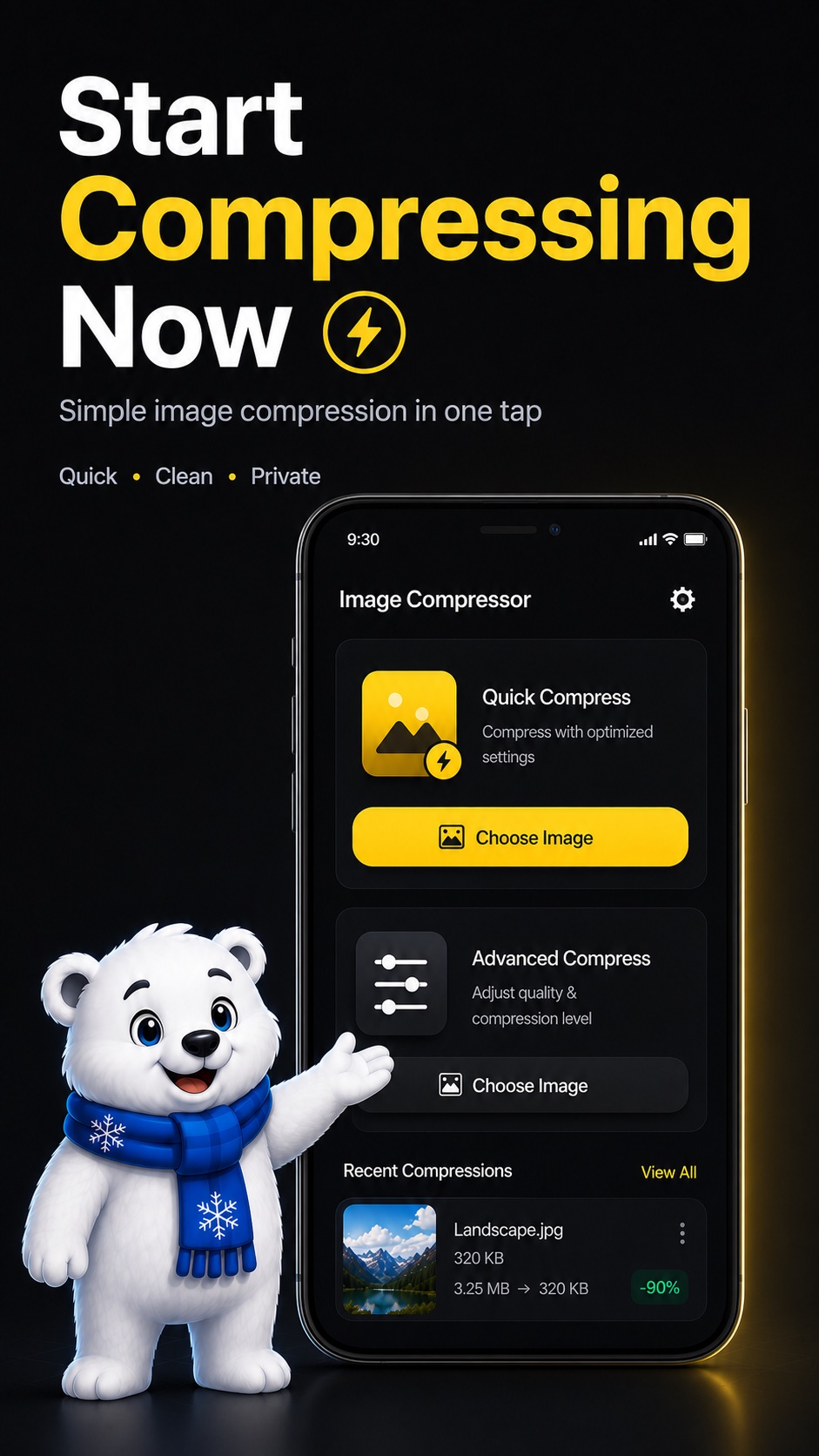
Pick an image, choose a mode, preview the result, and save a smaller copy without an upload step.
Built for real people
Compress images on your phone without needing an internet connection.
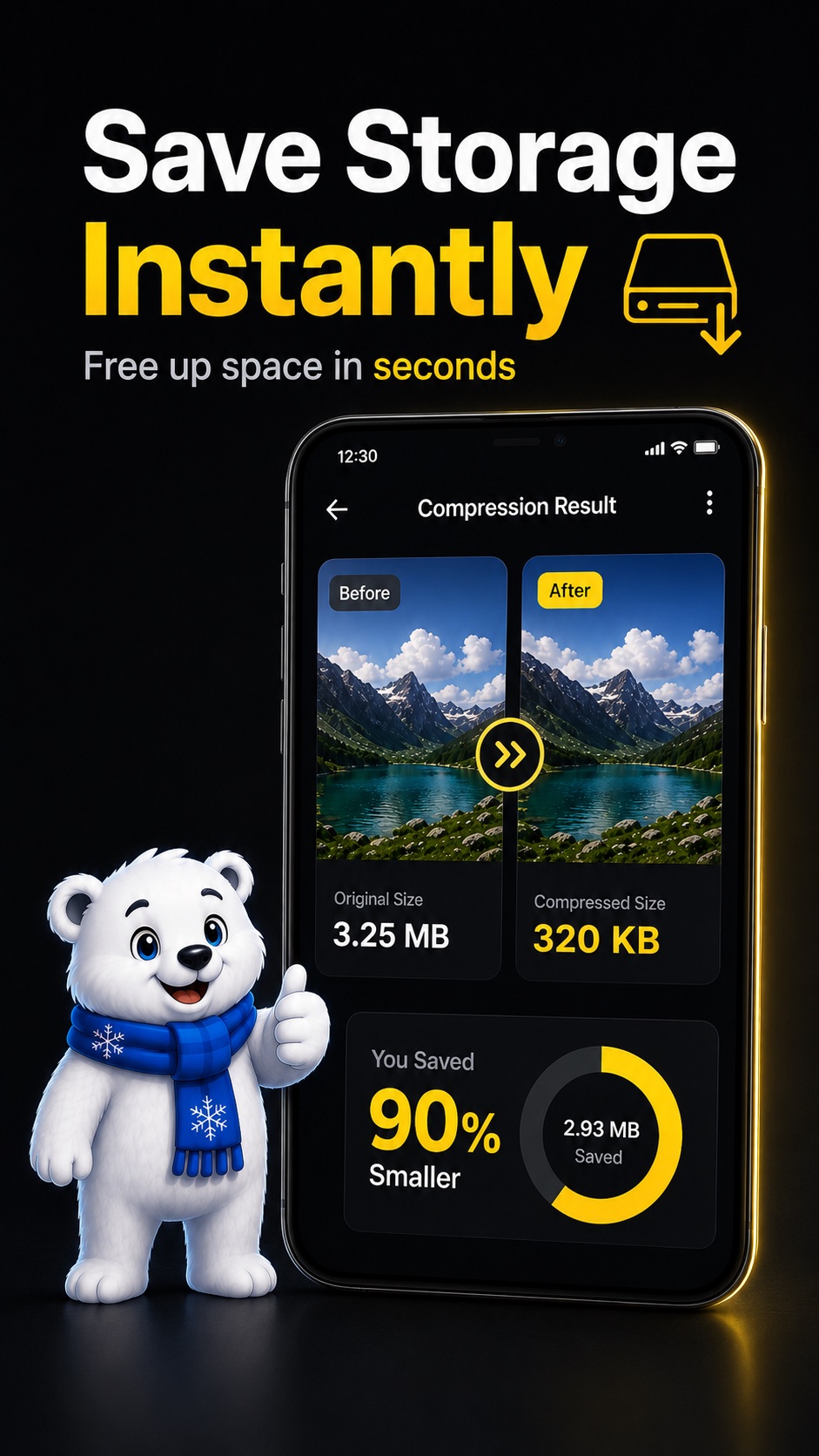
Check the result first and save only when it looks right.
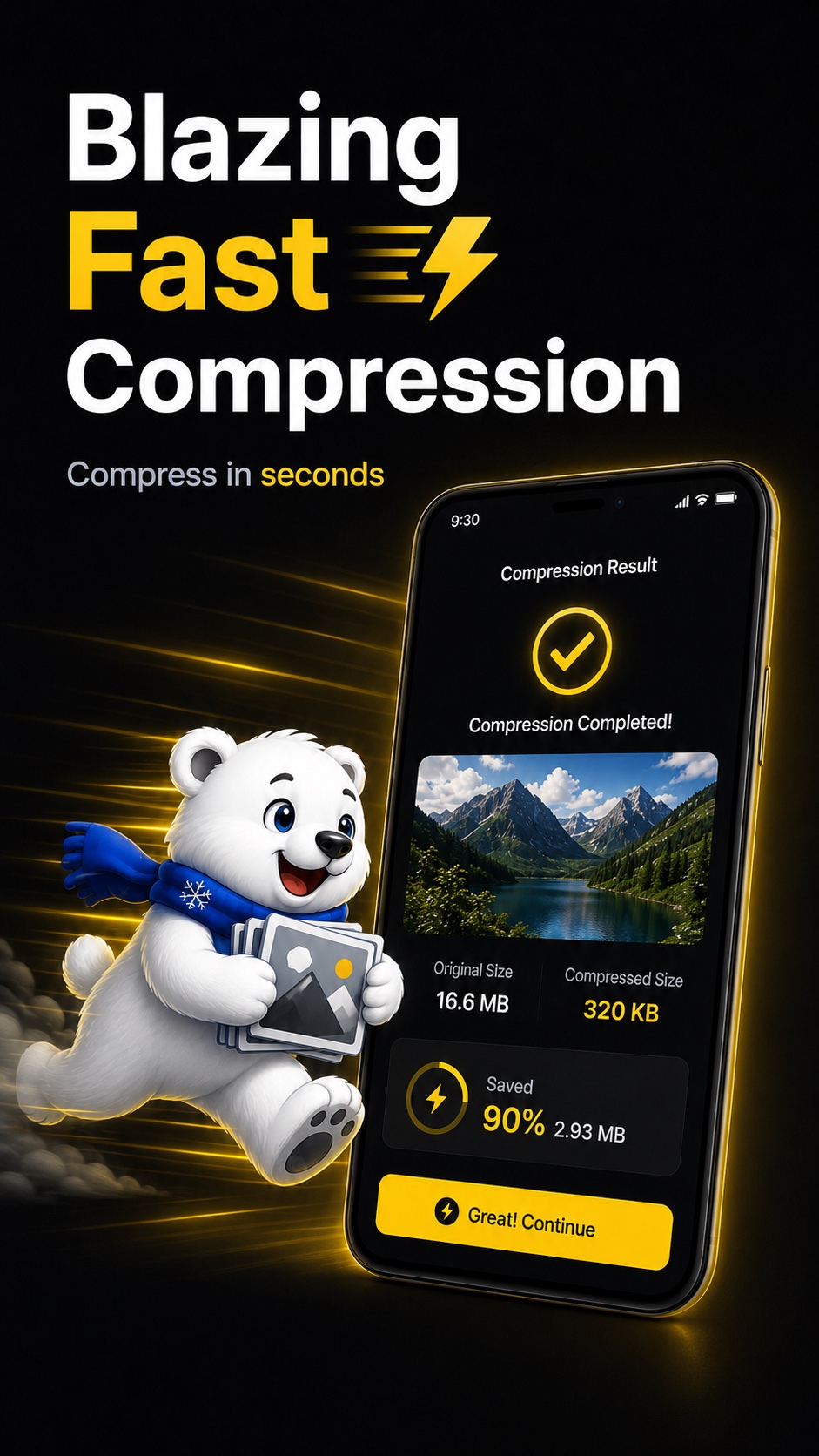
Use optimized settings when you want a smaller image in seconds.
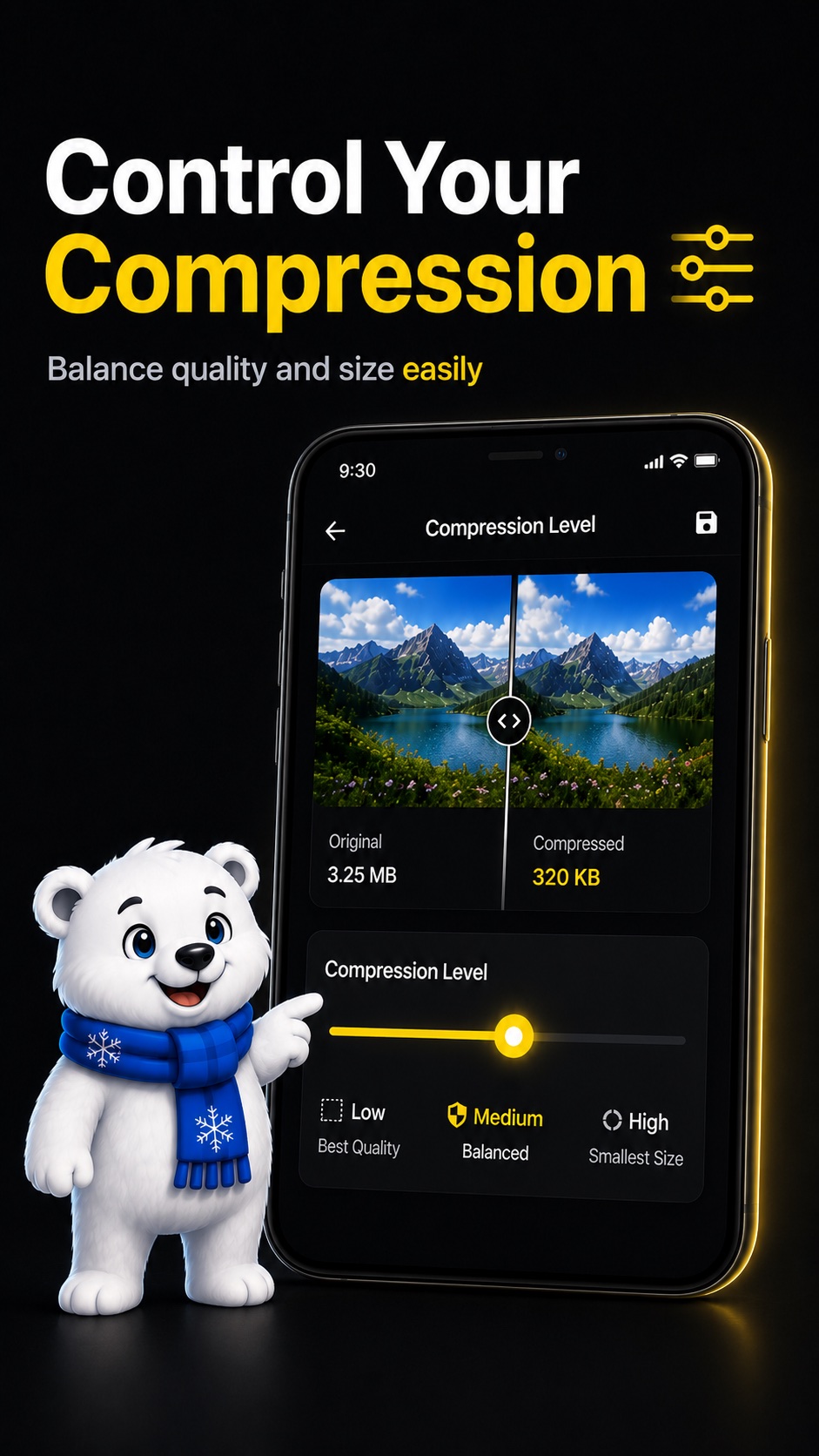
Adjust quality and size when you want more control.
Turn large image files into smaller copies that are easier to keep and share.
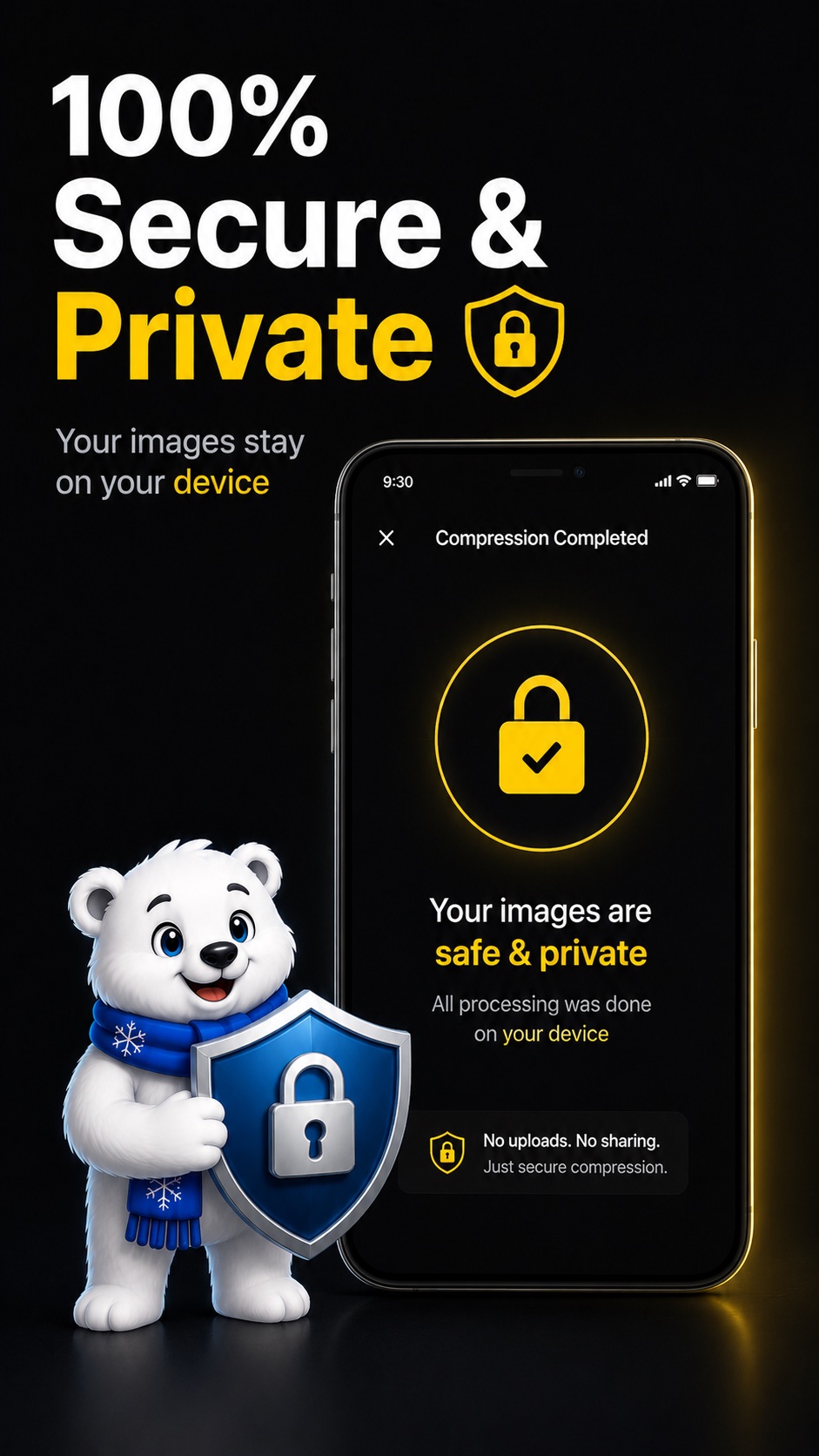
Your images are not uploaded to our server for compression.
Clear choices and friendly screens make compression easy for non-technical users.
Compress and preview images quickly using on-device processing.
How it works
Choose a photo or screenshot from your phone.
Use Quick Compress for speed or Manual mode for quality control.
Preview the result, then save a smaller copy to your gallery.
Privacy first
Compression happens on your phone. Images are not uploaded to our server for compression, and the compression feature does not require internet access.
The app may request gallery or storage permissions depending on your Android version so you can select and save images.
Read the full privacy policyScreenshots and infographics
FAQ
No. Compression happens on your device. Your images are not uploaded to our server for compression.
No. Image compression works offline.
No. The app saves a compressed copy and does not delete the original unless a future option clearly asks and you choose it.
Yes. Manual compression mode lets you adjust quality and size settings.
Yes. It is designed for everyone, with clear choices and simple steps.
Image compression guides
For forms and portals with small upload limits.
MB to KBMake large phone photos easier to store and share.
FormsPrepare smaller copies before official uploads.
OfflineShrink JPG files without relying on internet access.
ID PhotoReduce file size before passport or ID form uploads.
EmailSend lighter photos through email apps.

Ready to save storage?
Privacy policy ready to review before publishing.